How to Send USDT from Binance to Trust Wallet (Step-by-Step Guide)
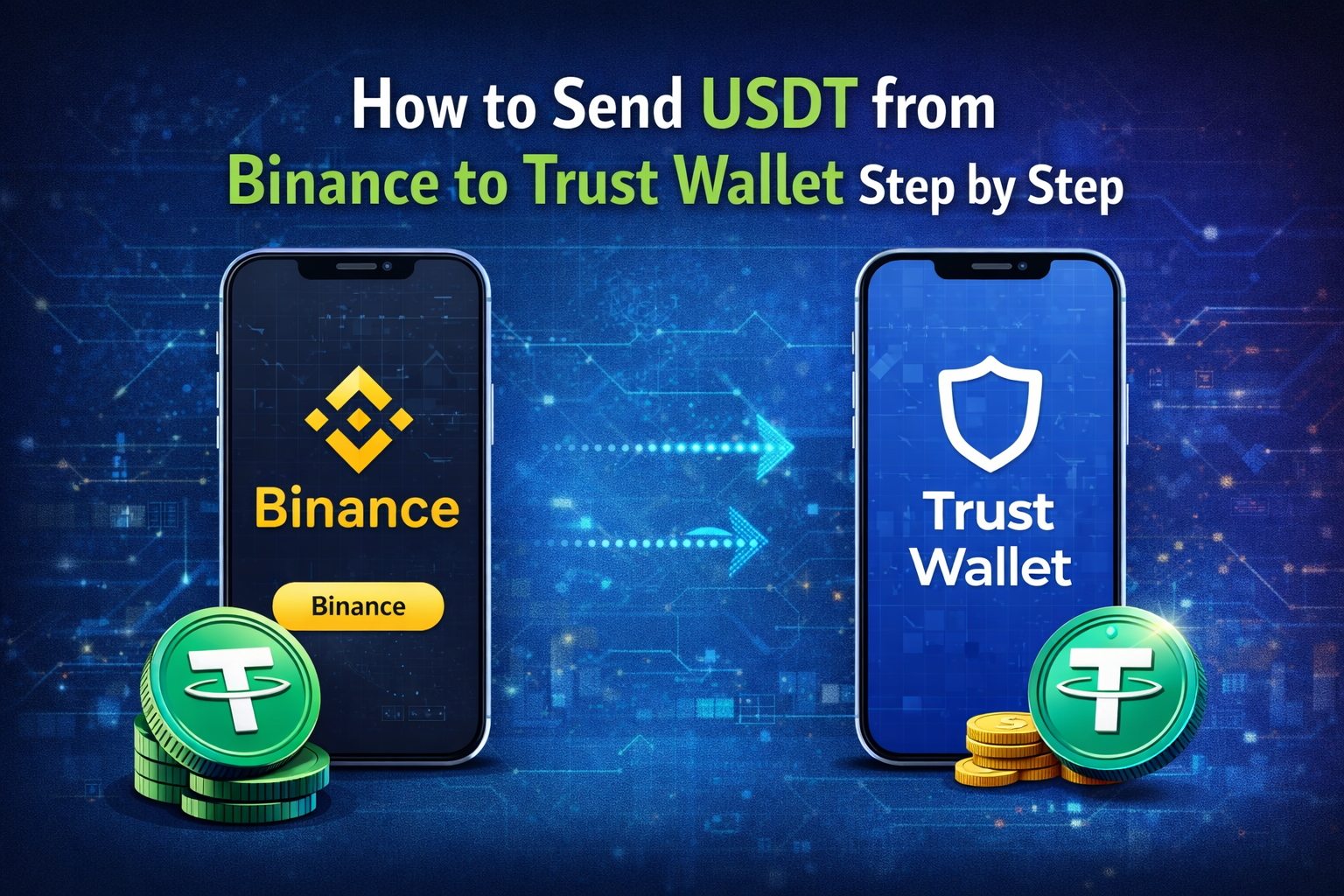
Learning how to send USDT from Binance to Trust Wallet step by step is important for every crypto user. Many beginners feel confused when moving funds from an exchange to a private wallet. This confusion usually comes from different networks, fees, and security risks.
In this guide, you will learn a simple and safe method fortransferring USDT without errors. You will also understand how to choose the correct network and protect your funds. If you follow this process carefully, you can move your crypto safely and gain full control over your assets.
Table of Contents
How to Send USDT from Binance to Trust Wallet Step by Step
Start Binance Withdrawal Process
First, log in to your Binance account. Go to the wallet section and find USDT. Click on withdraw to begin the Binance withdrawal process.
Now open Trust Wallet on your phone. Tap receive and select USDT. Copy your wallet address carefully. This is the address you will use to send crypto to the wallet.
Enter Wallet Address and Network
Paste your Trust Wallet address into Binance. After that, choose the correct network.
This step is very important. If your Trust Wallet uses TRC20, you must select TRC20 on Binance. If networks do not match, your funds can be lost.
How to Transfer USDT to Trust Wallet Safely
Check Address Before Sending
Always double-check your wallet address before sending. This is called crypto wallet address verification.
You should verify the wallet address before sending every time. Even a small mistake can cause permanent loss of funds.
Send Small Amount First
If you are new, send a small amount first. This helps you learn how to transfer tether safely.
After the test is successful, you can send the full amount with confidence.
How to Withdraw USDT from Binance Without Errors
Avoid Common Mistakes
When you withdraw USDT from Binance, avoid rushing. Many users select the wrong network or enter the wrong address.
To avoid crypto transfer mistakes, always review your details before confirming. A few seconds of checking can save your money.
Best Network to Send USDT from Binance to Trust Wallet
Choose Low Fee Network
The best option is to send USDT using the TRC20 network. It is fast and has very low fees.
This method provides a fast and low-fee USDT transfer. It is also the safest way for beginners to transfer crypto.
Understanding Blockchain Transaction Process
How Crypto Transfers Work
Every crypto transfer is recorded on a blockchain. This is called the blockchain transaction process.
When you understand this system, you can follow a secure blockchain transaction process. This helps in sending stablecoins securely without stress.
How to Move Funds from Exchange to Wallet
Simple Method for Beginners
Many people ask how to move funds from exchange to wallet safely. The answer is simple if you follow the correct steps.
This beginner crypto transfer tutorial explains each step clearly. After a few tries, the process becomes easy and fast.
How Trust Wallet Receives USDT
Wait for Confirmation
After sending your USDT, wait for network confirmation. This usually takes a few minutes depending on the network.
Once complete, Trust Wallet receives USDT automatically. If you do not see it, check your transaction history.
Common Errors When Sending USDT
Stay Careful Always
Users often make small mistakes that lead to big losses. Always stay careful during the Binance withdrawal process.
Take your time when you send crypto to wallet. Careful actions help protect your funds.
Network Comparison Table
| Network | Speed | Fees | Best Use |
| TRC20 | Fast | Low | Best option |
| BEP20 | Fast | Low | Good choice |
| ERC20 | Slow | High | Expensive |
Pro Tips for Safe USDT Transfer
Always use official apps when sending crypto. Avoid public Wi-Fi because it can be unsafe. Keep your recovery phrase secure and never share it.
Double-check your wallet address and network every time. These simple habits will help you avoid losses and stay safe.
FAQs About How to Send USDT from Binance to Trust Wallet
1. How long does it take to send USDT from Binance to Trust Wallet?
It usually takes 1 to 5 minutes on TRC20 network.
2. What is the cheapest way to transfer USDT?
TRC20 network is the cheapest and fastest option.
3. Can I reverse a USDT transaction?
No, crypto transactions cannot be reversed after confirmation.
4. Is Trust Wallet safe for storing USDT?
Yes, it is safe if you protect your recovery phrase and private keys.
5. What happens if I send USDT to the wrong network?
Your funds may be lost or difficult to recover.
Conclusion
Now you understand how to send USDT from Binance to Trust Wallet step by step. The process is simple when you follow the correct steps and stay careful. If you are a beginner, start with a small transfer and learn the process. For more helpful crypto guides, keep visiting our website and stay updated.